Integrated Message Archiving
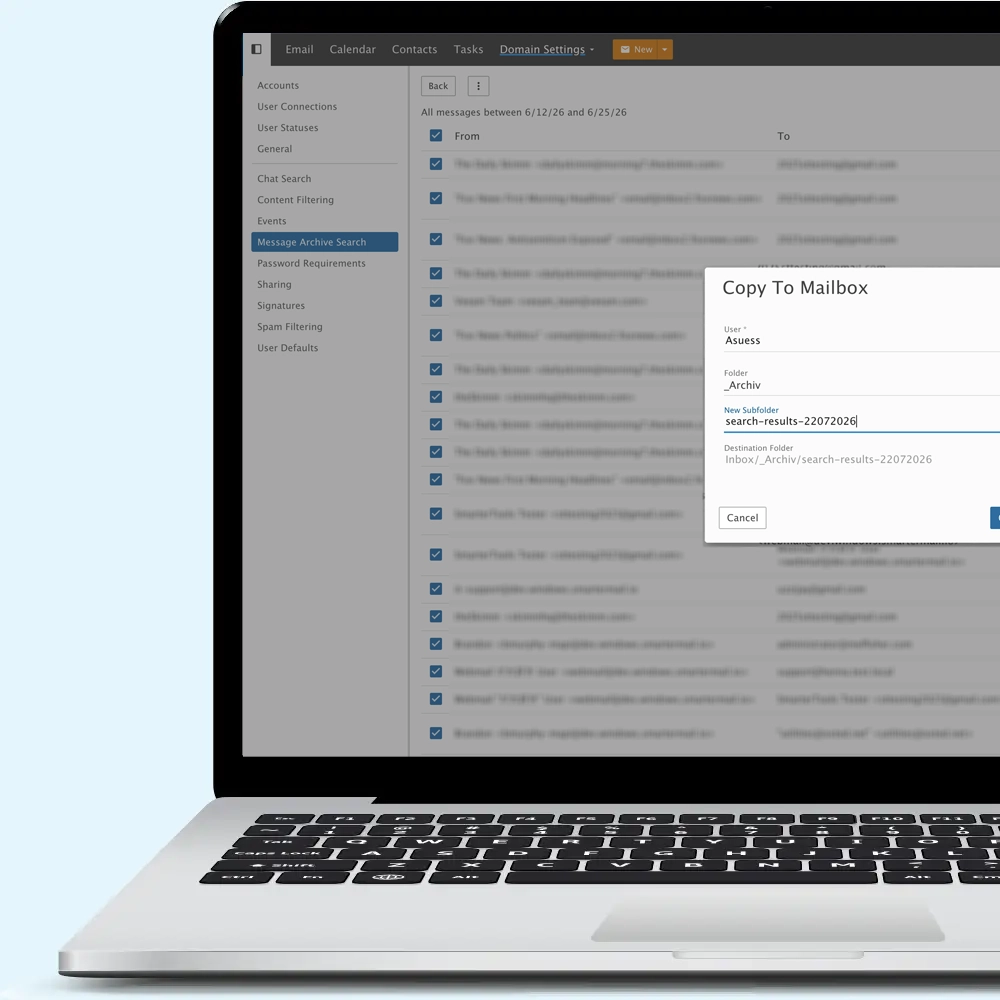
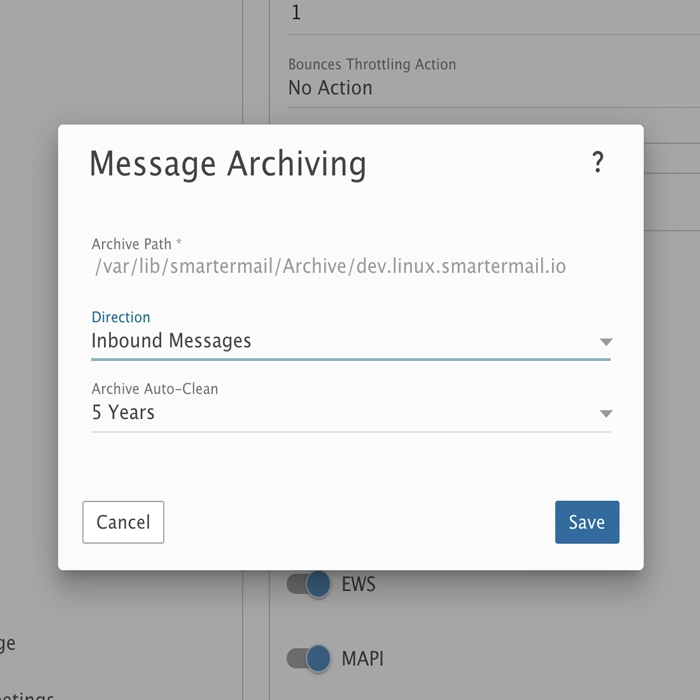
Message archiving can be configured to store a copy of email traffic for all domains on the server, or for individual domains, something unique to SmarterMail. Whether archiving incoming messages, outgoing messages, or both, the archive can be configured to be stored in a separate volume away from other mail data. In addition, message archives are compressed, saving a substantial amount of disk space. Administrators (system and/or domain) can then search for messages within the archive to find a specific message, or a series of messages as needed, building a searchable result set that can be reviewed, downloaded, or copied to a mailbox.
Every Email Archived
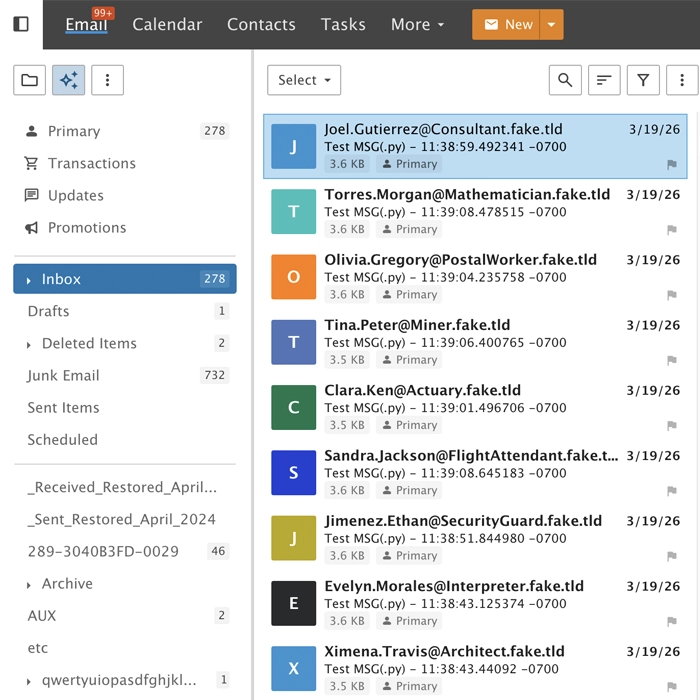
All messages are archived before hitting the Spool, so they're in their original format prior to being touched by any other functionality within SmarterMail. That means before antispam checks, before content filters run, and more, so the archive is always up-to-date. If a user deletes a message, or even if the entire mailbox is deleted, the archived messages remain intact and can be restored at any time.
Delegated Access
When enabled on a per-domain basis, domain administrators have the autonomy to do their own message archive searches for assisting with eDiscovery and legal holds, freeing up the system administrator for more system-level tasks.
In addition, each domain can have the retention of their archives match the requirements of the business. For example, Domain A can keep its archive for a year, Domain B can keep its archive for 7 years, and Domain C can keep it for 10. This makes keeping up with things like FCRA and other regulations a breeze.
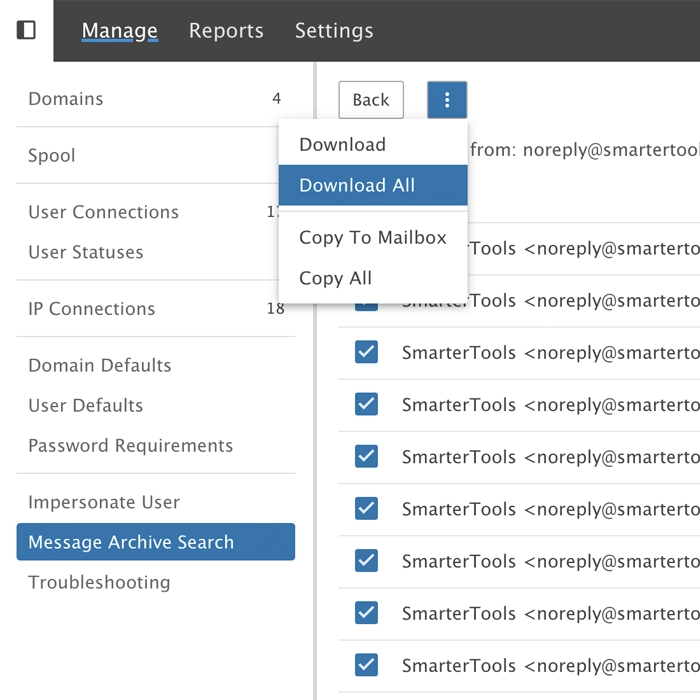
Actionable Results
Once the results of an archive search are ready, those results can be acted upon, either individually, as a group, or even the entire result set. This includes the ability to download messages individually, download them in a .ZIP file, or even copied to an existing mailbox on the domain. For example, copying messages to a "legal hold" folder for a compliance officer or internal counsel.
Search results are also retained, so if more information is needed, or additional copies required, they can be accessed later.
Generate Revenue
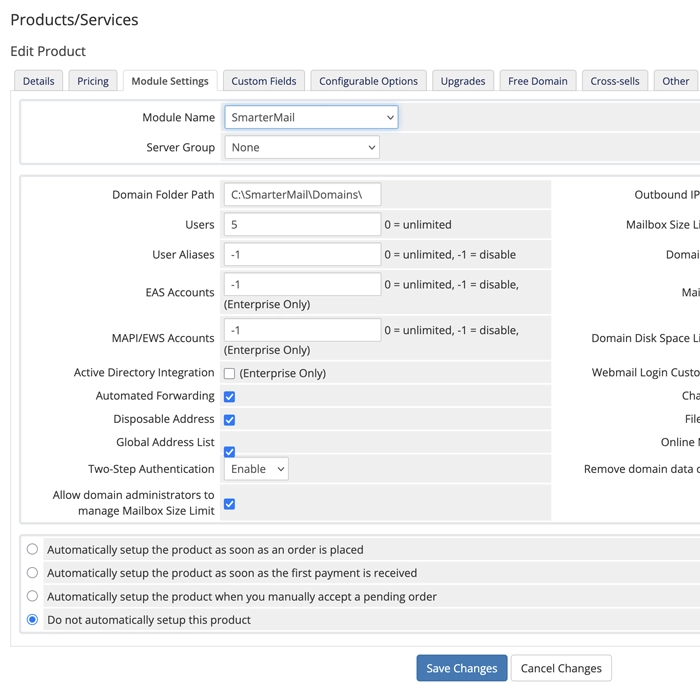
Whether you use a control panel like WHMCS (seen in our screenshot), your own control panel, or something else, archiving at the domain level can be a revenue generator.
Plans can be created that include Message Archiving as a feature, as in a "Platinum Email Hosting" plan, or it can be an add-on for any existing plans. For example, as part of an "eDiscovery Package" or even marketed as part of a disaster recovery bundle alongside backups and/or snapshots.