Secure, Streamlined, and Centralized Email Server Administration
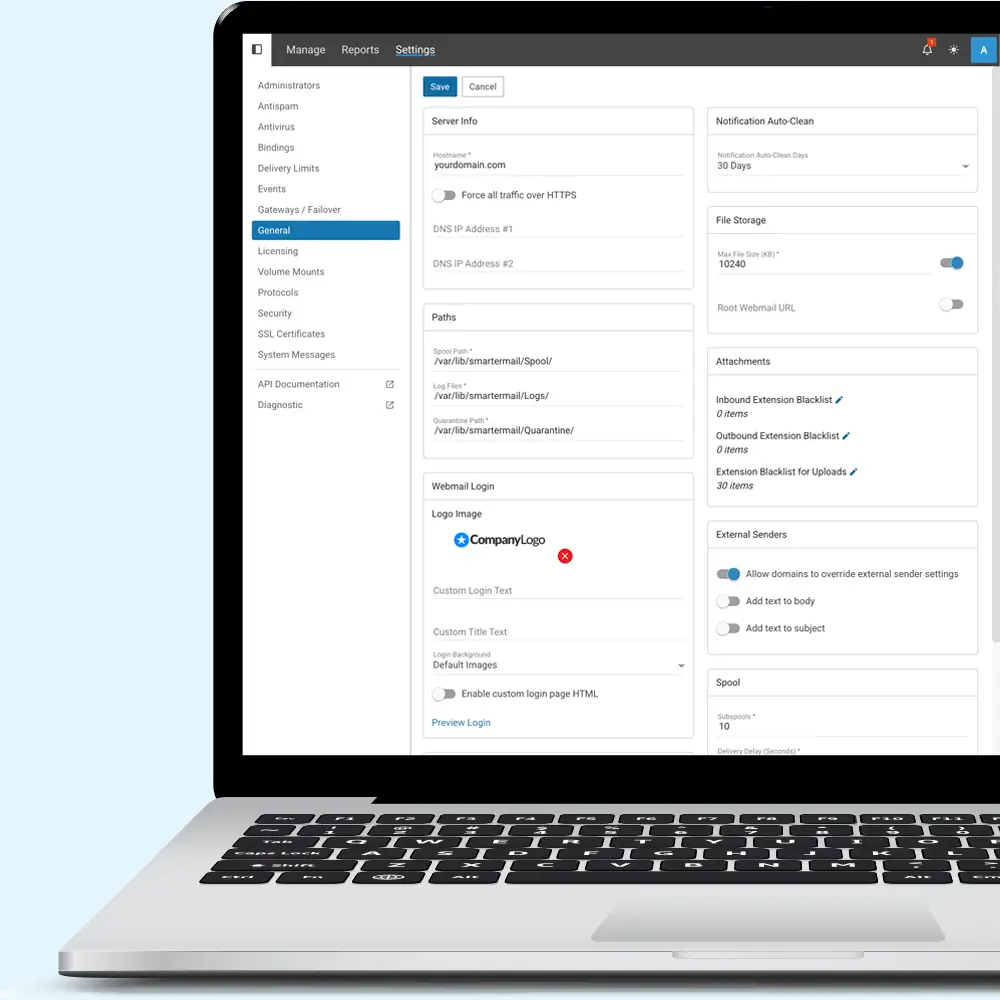
SmarterMail gives system and domain administrators a centralized, web-based console for managing domains, users, mail flow, security, and server configuration. Monitor real-time activity and server health, investigate delivery issues, manage connections and quarantines, and protect your environment with integrated antispam, antivirus, and intrusion-detection controls—all from one place. This visibility and control help administrators maintain reliable, secure email services while resolving issues before they disrupt users.
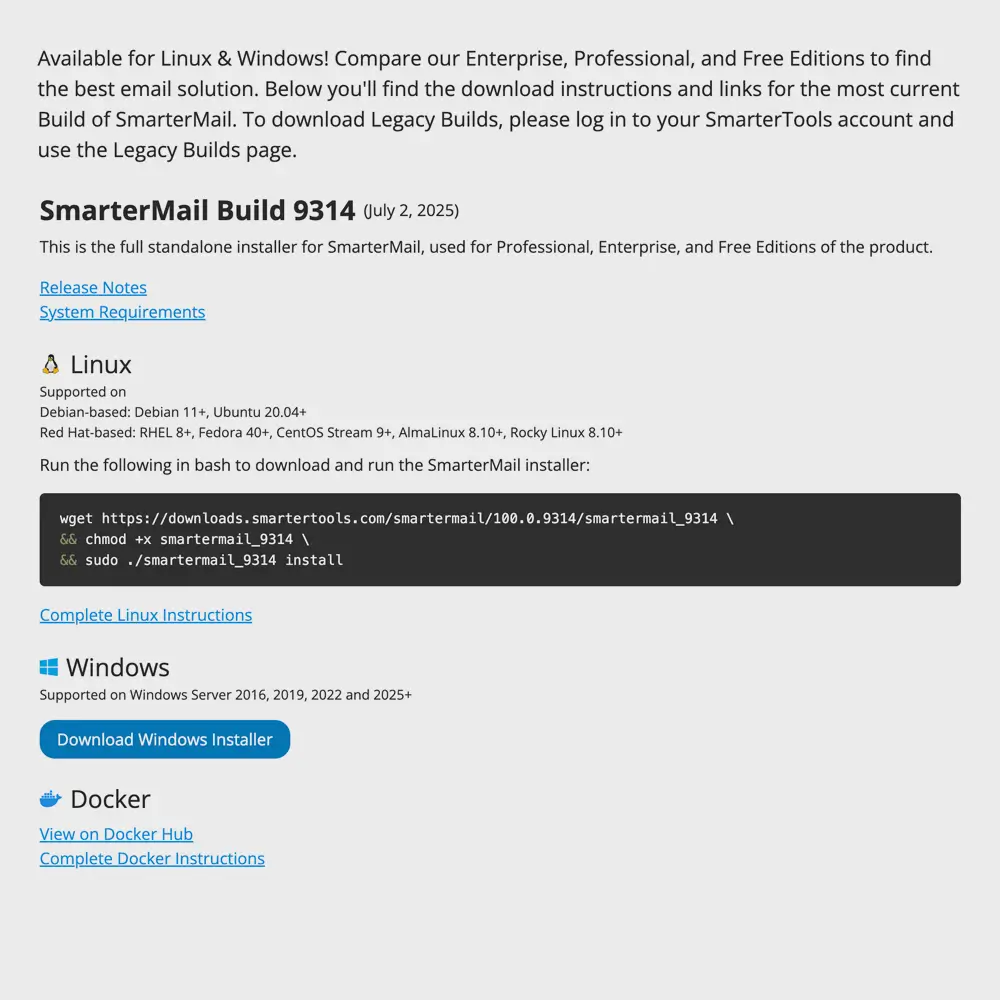
Available on Linux and Windows
SmarterMail offers a seamless installation process on both Linux and Windows, ensuring a hassle-free setup for administrators. The installer automatically deploys essential core files, checks system compatibility, and installs any missing dependencies to meet the minimum server requirements. Whether you're running a Linux-based environment or a Windows Server, SmarterMail efficiently configures its framework, updates necessary components, and optimizes performance. It’s also available as a Docker container!
Understand Users and Connections
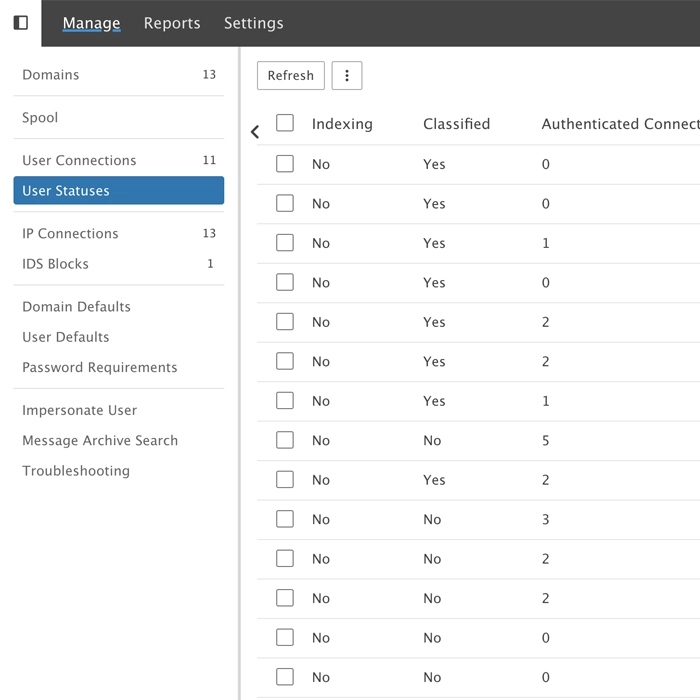
SmarterMail allows you to monitor user connections and displays a variety of information system and domain administrators can use to prevent issues before they become problems. This information includes:
- User status (enabled/disabled)
- Connections by protocol
- Last login date
- Authentication method
- Authenticated IPs
- IP connections
- Migration status
- Indexing status
- Password compliance
- Much more
Having this information allows administrators to take action if something seems out of the ordinary, like dropping connections, re-syncing protocols for a user, reindexing a user's account, and more.
Comprehensive Logging
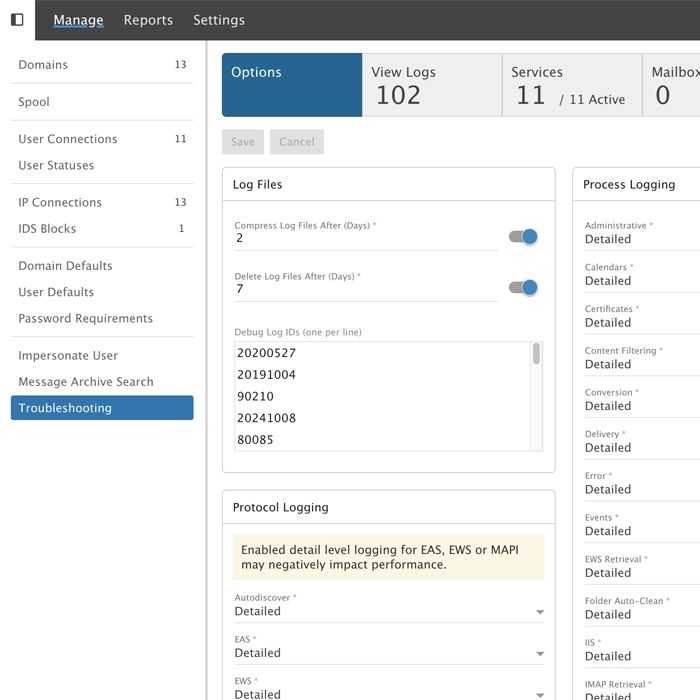
SmarterMail contains some of the most comprehensive logging of any mail server. From ActiveSync to XMPP, and everything in between, all logs can be set to the detail level an administrator wants. Administrators can even enable custom logs when working with SmarterTools support to dig even deeper into what's going on.
Detailed Reporting
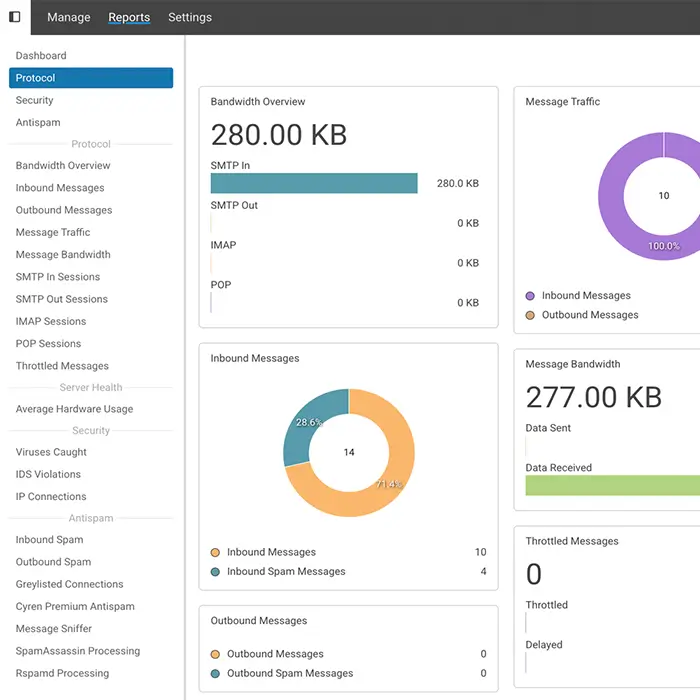
With dozens of pre-defined reports, SmarterMail provides critical statistics on server health, disk space usage, incoming and outgoing messages and more that help system and domain administrators monitor their systems. All reports include the ability to drill down into every domain or user on the system to help identify trends, manage costs and effectively allocate resources.
Routing Rules
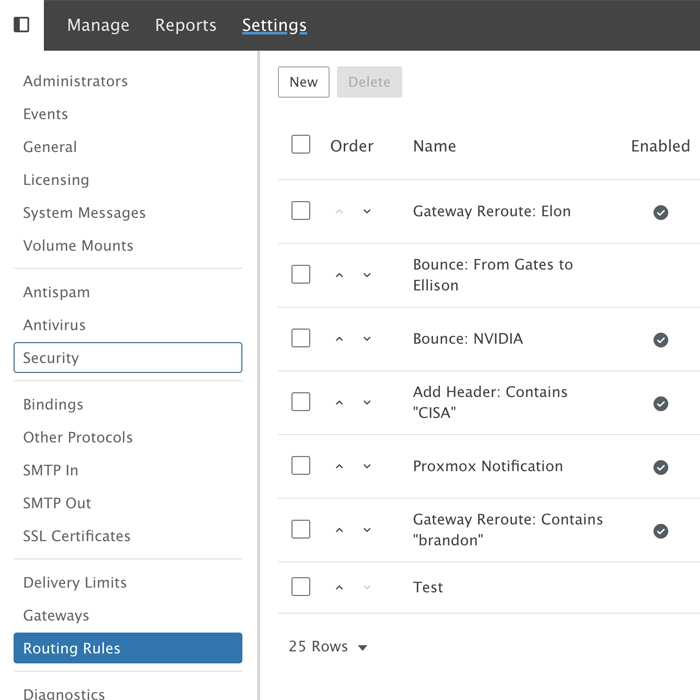
Routing rules (or mail flow rules in Exchange) are configurations that determine how a SmarterMail handles messages. They can be set up to manage incoming, outgoing, or both incoming AND outgoing messages based on specific conditions. They act similarly to domain or user content filters, but where those content filters only act on messages for a specific user or domain, Routing Rules work on anything moving into, or out of, the spool as a whole, before a domain or user's own Content Filters ever get a chance to see the message.
Domain and User Defaults
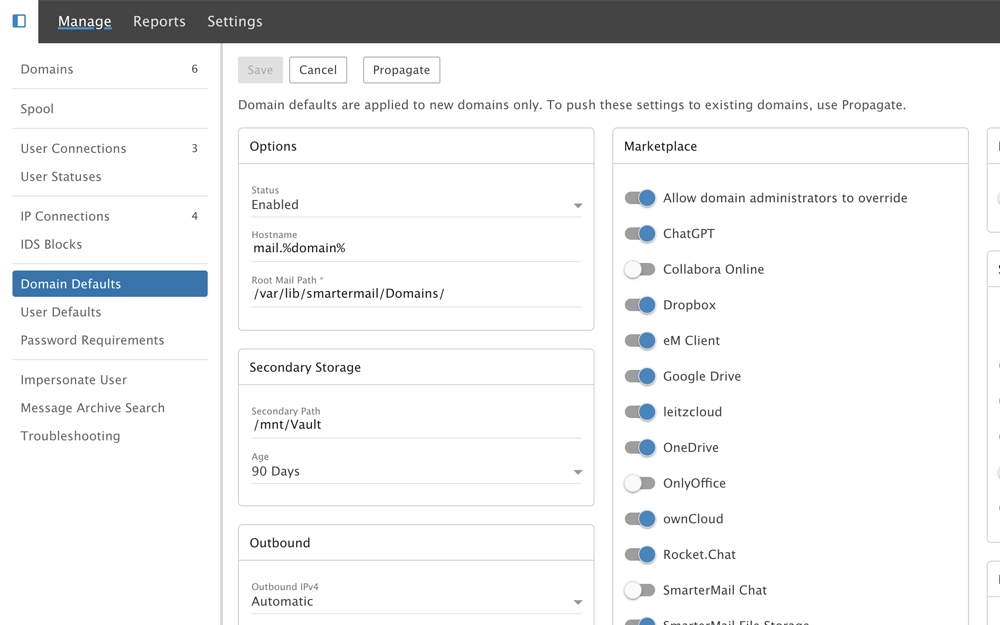
System administrators can create templates that makes setting up new domains and users extremely fast and simple. Domain administrators can manage their own user defaults as well, so that any new accounts are set up using specific business rules. Any changes to these defaults can even be propagated to existing domains and users as needed.
Password Compliance
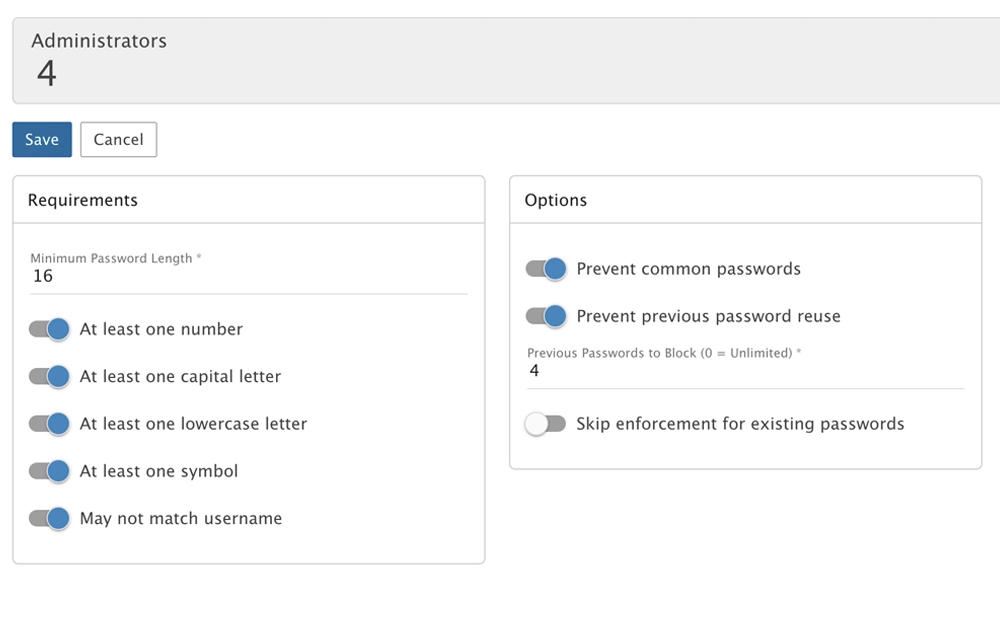
Ensure the security of the mail server by setting specific minimum requirements for user and administrator passwords, and check for violations. These include minimum length, use of special characters, casing, etc. in addition to preventing common and / or previously used passwords, setting passwords to automatically expire, and more.
Manage Ports and Bindings
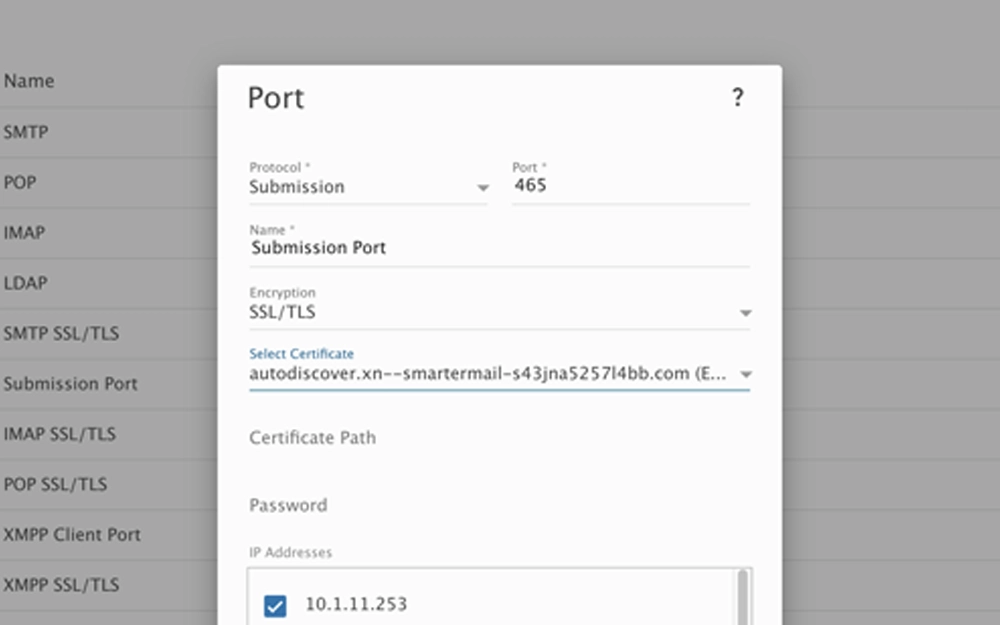
Control how SmarterMail listens for incoming connections, tying together the physical IP addresses on the server, network ports used by mail and their associated protocols (e.g., SMTP, IMAP, etc.) , and the encryption applied to each port. Configuring these correctly allows multi-tenant installations so each domain gets its own IP, hostname, and secured ports.
SSL Certificate Administration
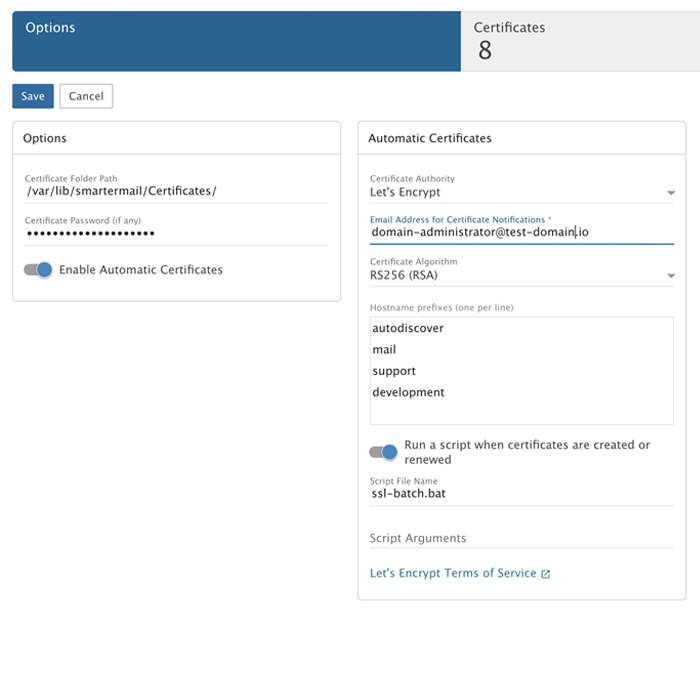
SmarterMail takes the hassle out of SSL management by allowing you to manage large numbers of SSL certificates for every domain on the server, making it easy to provide users with safe, secure connections. Certificates can be automatically generated using Let's Encrypt, which is fully integrated into SmarterMail, including the creation, issuance, and application of both public and private keys. In addition, automatic certificates renew on their own, without the need for any administrative interaction.
Custom certificates can be used as well, and fully managed from with the SSL area, ensuring all SSL certificates are arranged in one location.
Distribute Data
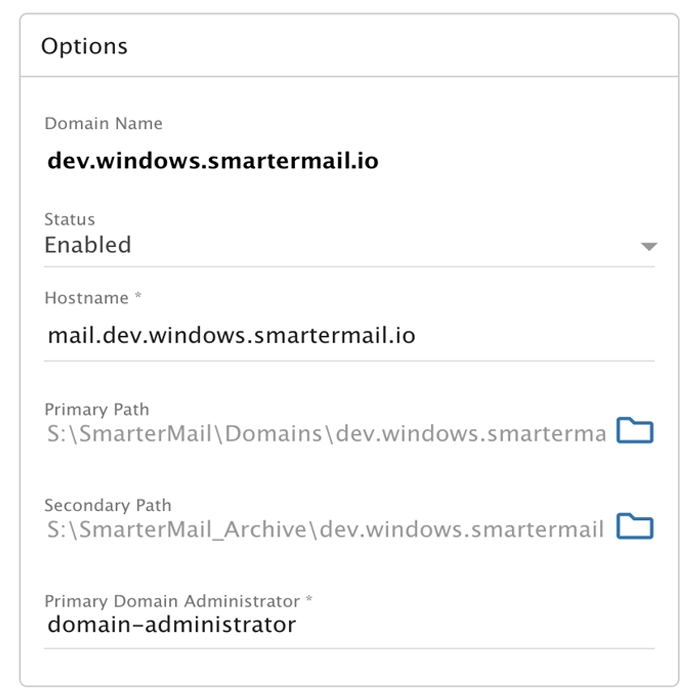
An important distinction of SmarterMail is that domains and users are stored in their own locations and paths on the server. Domain and user data is isolated and secured in their own sandboxes.
Therefore, since most people work using a month or two worth of email data, SmarterMail allows administrators to size and place data across different storage types using both primary and secondary paths, as well as Volume Mounts. Administrators can change default system and domain storage locations to distribute data so that their storage is used more effectively and efficiently: platter drives can be used for legacy message and log data, while SSDs can be used for more i/o intensive operations for the Spool and more recent data.
Regardless of where the data is stored, it's all fully indexed, so retrieval is fast and results available for all users.
Comprehensive API
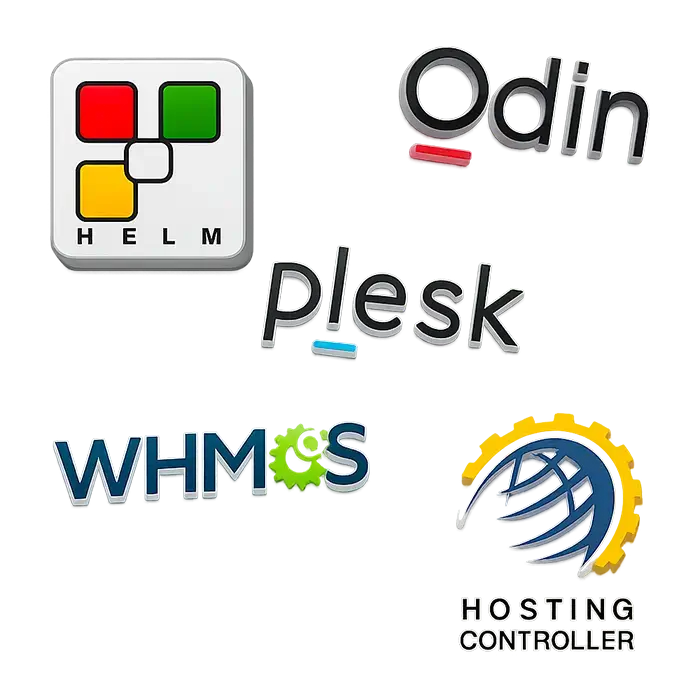
Having an extensive API means that administrators can automate virtually any function within SmarterMail, from domain creation to on-demand changes to spam and security settings. In addition, as the API is fully documented, third-party developers can build integration modules for SmarterMail. We've also created our own modules for some of the leading management applications and control panels that are used by organizations around the world.
Additional Features
SmarterMail was originally built for the web hosts and ISPs, an industry that requires a multi-tenant environment that offers simple management and administrator. Makes it easily fit into enterprise orgs, as well as small to medium businesses environment, so simple and accessible administration was one of its first requirements. Whether administering a domain and users, or the system as a whole, SmarterMail offers tools to ensure a server runs smoothly, securely, and that downtime is kept to a minimum. In addition to the above, SmarterMail also offers:
- Modern, convenient, and fully browser-based administration
- Feature (AD integration, GAL, Sharing, etc.) management
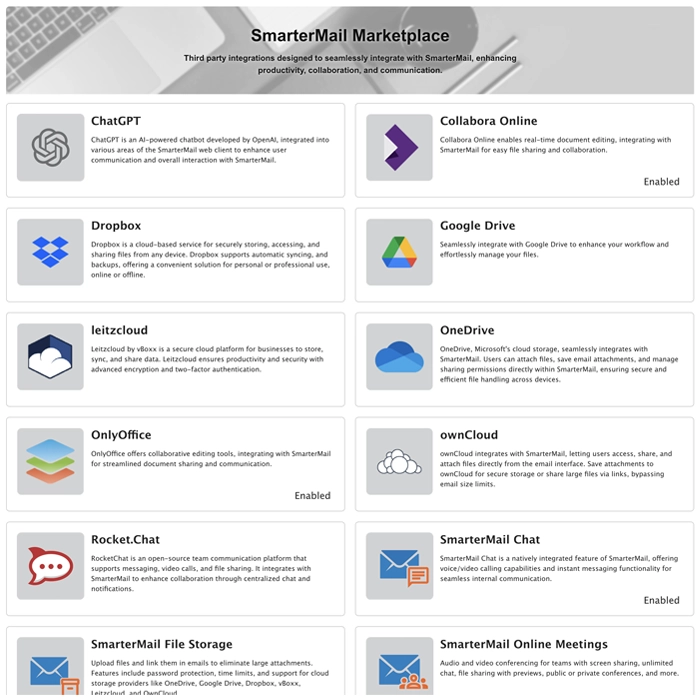
- SmarterMail Marketplace management
- Complete binding and protocol management
- Delivery limits, sender priority, etc.
- Service management (POP, SMTP, XMPP, etc.)
- System Messaging
- Integrated Event system at the system, domain, and user level
- Delegated management (domain and system)
- Spool management (sub-spools, retry intervals, etc.)
- Extension blacklists