Web log data mining, down to the individual query
When a standard report doesn't answer your question, data mining lets you query your logs directly. Filter by page, referrer, query string, IP address or date to find the patterns a summary hides, from how far visitors go into your site to the requests that look like an attack.
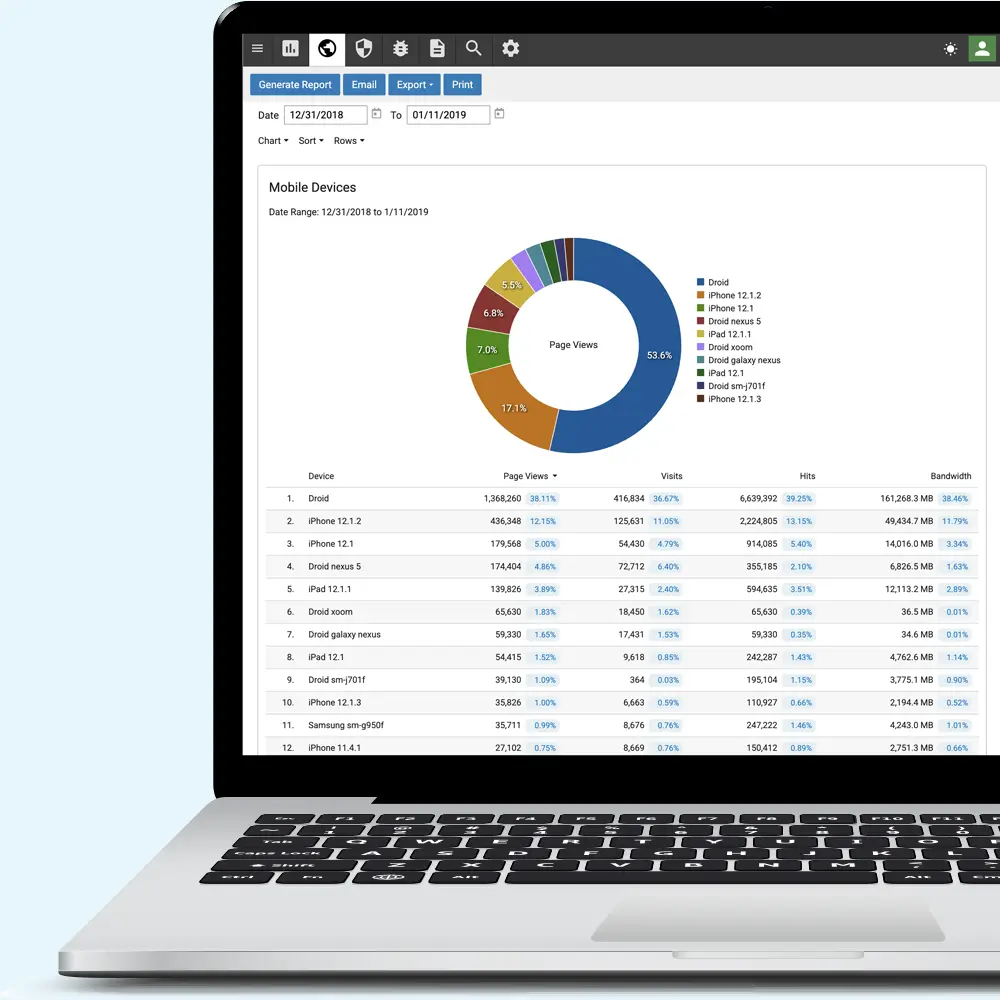
Understand your visitors
Mining your logs shows what visitors look for and where they come from. If visitors from one referring site keep landing on the same page, you can write for them on that page, and for visitors from similar sites.

Improve your site's design
The paths people take to a page show how easy that page is to find. For example, if most visitors reach an important page in three clicks, or through a multi-page path, adding a link in your header or footer, or a button on an entry page, can get them there in one.

Spot attacks
System administrators can mine logs for attack patterns, such as unusual query strings sent to a login page or a burst of requests from one IP address. Forms, surveys and login pages are common targets, and site owners often don't know they're being probed until they look at the logs.
