SmarterMail Overview:
The Exchange Alternative
SmarterMail is a full-featured email, groupware, and collaboration server, and the only real alternative to Microsoft Exchange on the market. Perfect for enterprise organizations, web hosts and ISPs, and small-to-medium businesses, it's the only other solution that supports native MAPI, the same protocol that powers Exchange and Outlook: no plug-ins or additional software required. SmarterMail offers secure email, and shareable calendars, contacts, tasks, and notes, and includes group chat and online meetings. It offers everything necessary to stay connected and productive, but at a fraction of the cost of on-premises Exchange. Plus it's available on Linux and Windows Server 2016+, and offers a Docker container for maximum flexibility.
Simple, Secure Administration
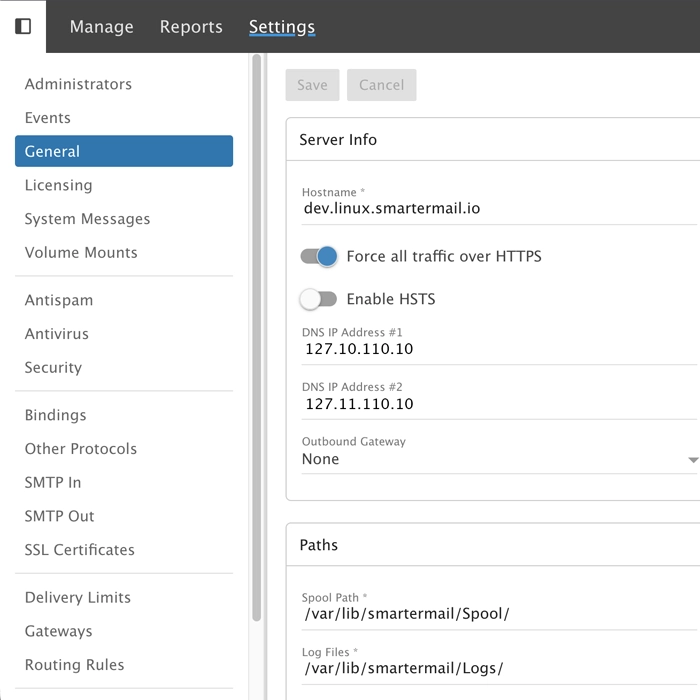
SmarterMail was built for multi-tenant environments. And in these environments, easy, secured access to a complete administration platform is essential. System administrators can manage every aspect of a SmarterMail server right from the browser. Domain administrators have domain management capabilities from the same interface as their own inboxes. Whether it's managing ports and IPs, antispam settings or IDS blocks, gateways or autotmated SSL certificates, it's all there.
Any Client, Any OS, Any Device
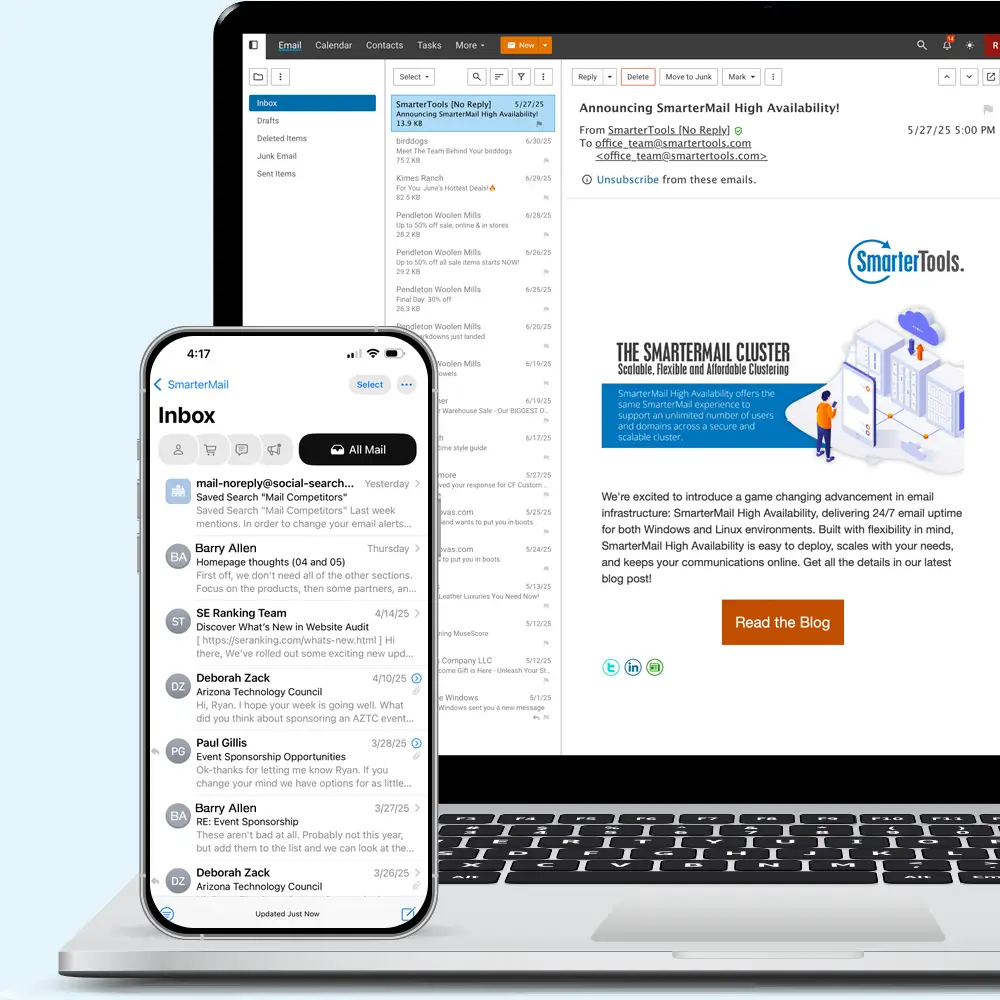
With support for all major email protocols, including IMAP, POP, EAS, EWS, WebDav, and MAPI, you have your choice of desktop or mobile client, regardless of your operating system. This includes Outlook for Windows or MacOS, Apple Mail, Samsung Mail, eM Client, Thunderbird, Gmail, Spark, Mailbird, and countless others!
In addition, SmarterMail is the only email server on the market, outside of Exchange, that offers native support for MAPI on Linux and Windows. Other products offer Outlook plug-ins that simply mimic Exchange features or require custom email clients that offer similar features to Outlook. Support for MAPI, at the server level, makes SmarterMail the perfect alternative to Exchange.
For mobile devices, SmarterMail seamlessly integrates with whatever you want to use. With support for Microsoft Exchange ActiveSync, your choice of mobile client or app, on iOS or Android, is practically limitless: Outlook Mobile, iOS Mail, Gmail, Samsung Mail, Blue Mail, Spark and more!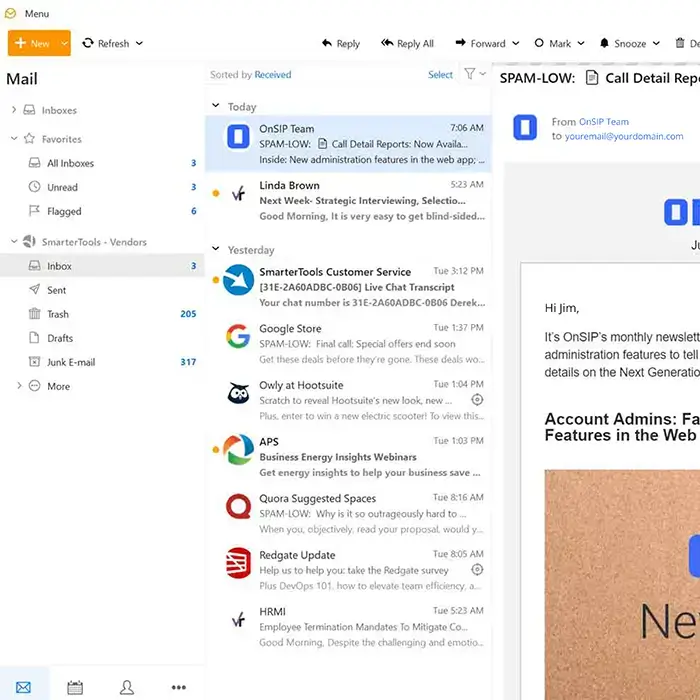
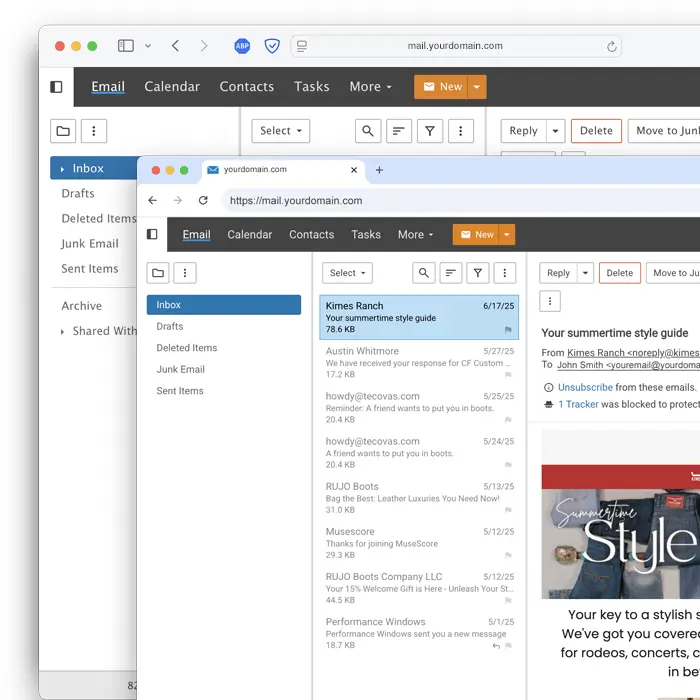
Powerful Webmail Client
Every feature of SmarterMail is available when using the webmail client: Online Meetings, individual and public shares, live chat, robust calendaring, complete task management, file storage, and more! Compatible with all major desktop and mobile web browsers, using the webmail client eliminates the need for any other software, from email clients to calendar apps. This frees disk space and system resources, and eliminates maintenance tasks that come from having more software installed on laptops and personal computers.
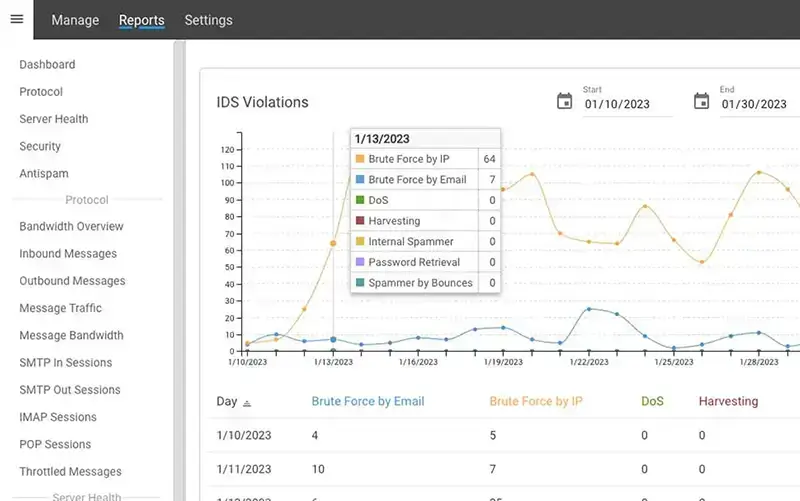
Industry Standard Security
SmarterMail comes equipped with several email security features that are available without spending more money or adding third-party software. This includes industry standard spam filtering as well as enterprise-level antivirus. Additionally, we offer enterprise-level solutions such as Message Sniffer that can be integrated seamlessly.
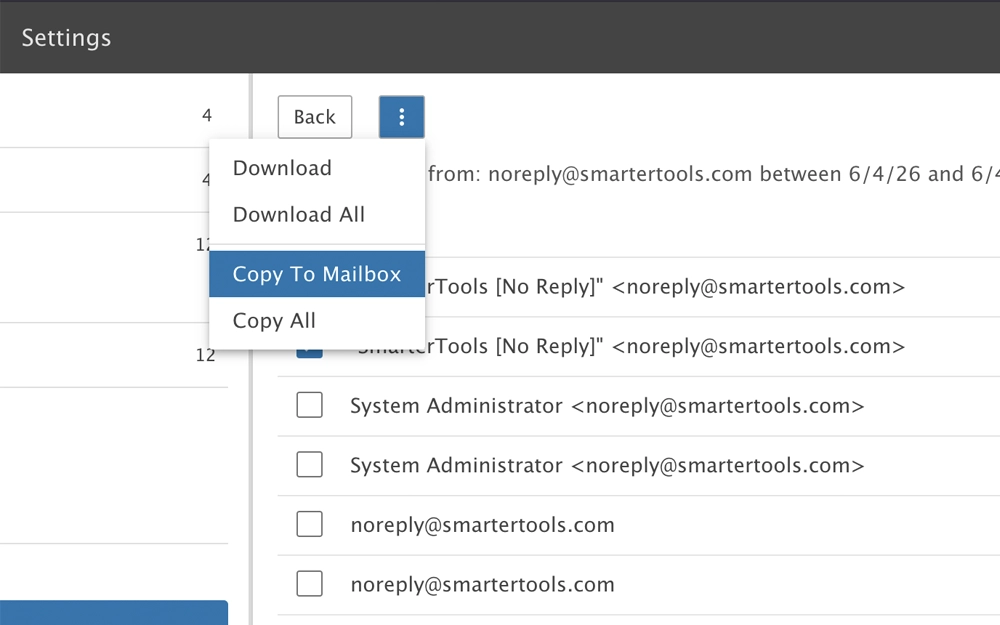
Message Archiving
SmarterMail archives each and every message that comes into, or goes out of, the server. This occurs prior to messages hitting the spool, so prior to the server (or individual users) taking any action on the message. Archiving can be set up for all domains on the server or for individual domains, offering a level of granularity many mail servers miss.
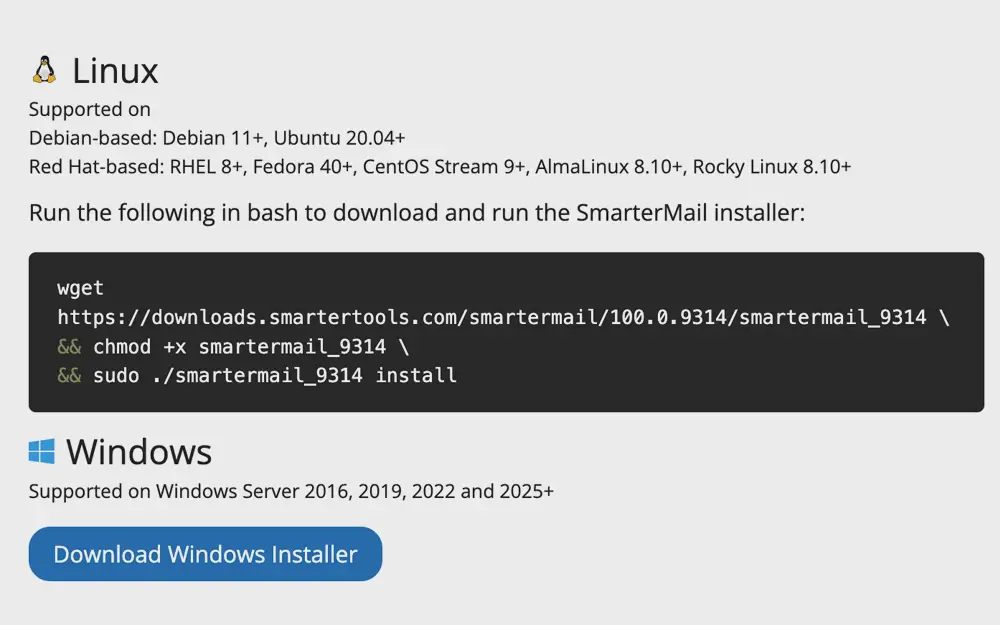
Linux and Windows
SmarterMail is the only cross-platform email and collaboration server that offers Microsoft Exchange level features and functionality — without the need to install any additional custom software — for Linux and Windows Server administrators. SmarterTools has also created a Docker version of SmarterMail for fast, efficient, and secure installation and configuration.
Team Collaboration
SmarterMail offers a number of collaboration features that make it easy to work together with team members, customers, and partners. For example:
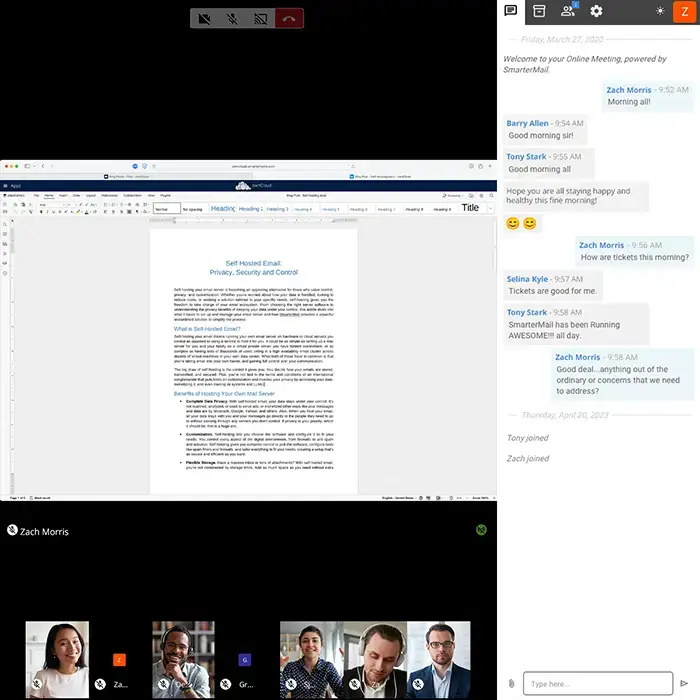
- Online Meetings for groups
- Individual audio/video/text chat
- Organizational calendars, contacts, tasks, and notes
- Equipment and conference room reservations
- Appointment scheduling
- Shared calendars, contacts, tasks, and notes
- Support for account delegation
- Much more
Flexible Installation Options
SmarterMail offers several flexible installations options giving enterprise organizations, web hosts and ISPs, service providers, or small-to-medium businesses the ideal solution for their needs. Apart from being able to be installed on Windows, Linux, or run via Docker, SmarterMail provides:
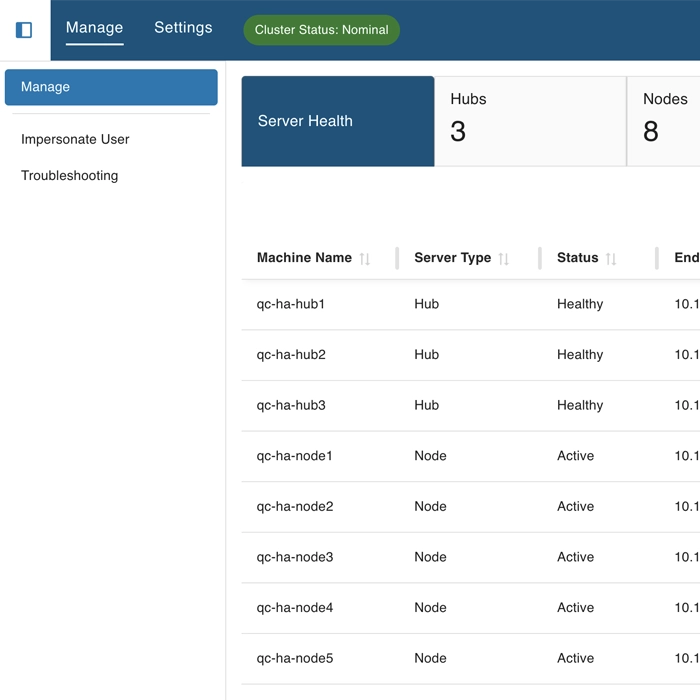
- SmarterMail High Availability - Using a series of hubs and nodes, support for an unlimited number of domains and/or users.
- Enterprise Failover - Run two SmarterMail Enterprise installations, one as the primary and another as a cold standby. Included for free with Enterprise.
- Standalone Installation - Single server installations ideal for any sized business.
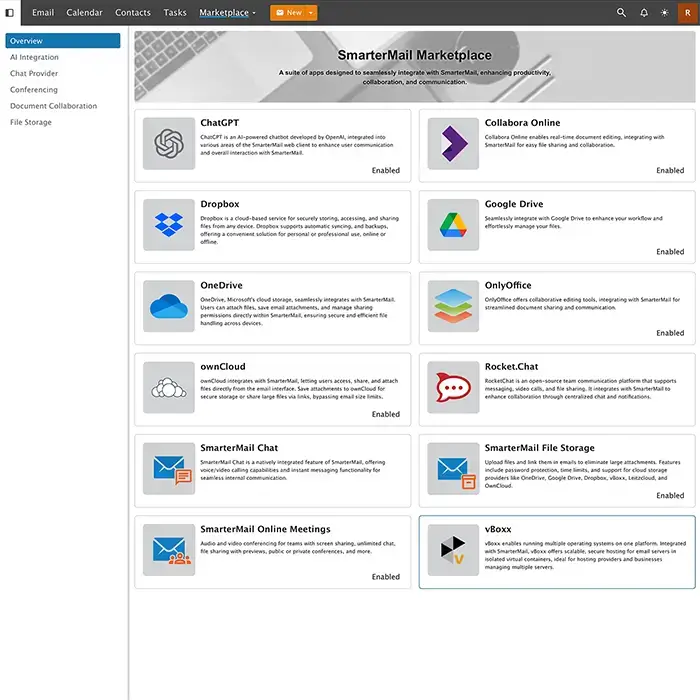
The SmarterMail Marketplace
Think of the Marketplace as an app store residing within SmarterMail. Browse, enable, then use add-ons and integrations that expand the already rich feature set of SmarterMail. Whether you're a web host or ISP wanting to build a platform that mirrors what's available from Microsoft 365, an enterprise looking to move away from "Big Tech", or a small to medium-sized business looking to set up your own document collaboration suite, the Marketplace and its growing list of integrations can help!
Key Integrations Include:
- Cloud Storage: Dropbox, Google Drive, OneDrive, ownCloud, LeitzCloud, and more.
- Live Chat: SmarterMail Chat and RocketChat.
- AI Tools: OpenAI's ChatGPT.
- Document Collaboration: Collabora Online and OnlyOffice.
- Email Clients: Seamless integration with eM Client and other desktop clients.
- Video Conferencing: SmarterMail Online Meetings.